Workflow guide
Turn a repeated process into a visible automation
Translate a recurring business process into a trigger, decisions, timing, actions, stop conditions, and reviewable results.
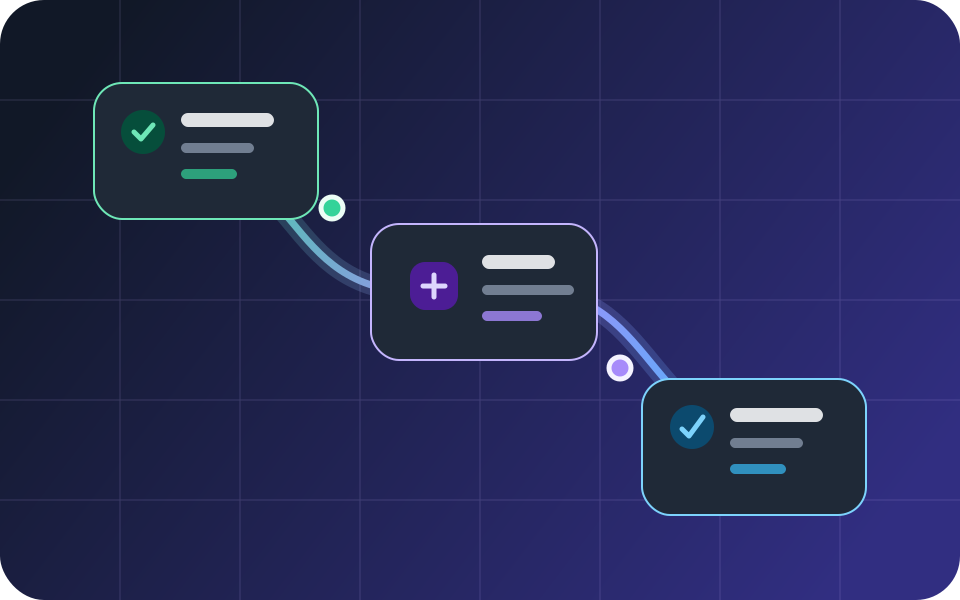
The best first automation is not the biggest one. It is a process the team already repeats, understands, and can verify from beginning to end. Build the smallest dependable version, inspect every run, and expand only after the result is predictable.
Choose one meaningful trigger
Start from a real business event: a form submission, meeting booking, message, tag, or opportunity-stage change. The trigger should be specific enough that an operator can explain exactly why a person entered the workflow.
Avoid using a broad trigger as a substitute for missing process rules. If several situations need different outcomes, split them or add an explicit condition near the beginning.
Write the success and stop conditions first
Define what the workflow is trying to accomplish and what should stop it. A booked meeting, reply, cancellation, closed opportunity, invalid contact method, or consent change can all make later steps inappropriate.
This prevents a sequence from continuing simply because time passed.
Separate decisions, timing, and actions
Use conditions for business rules, waits for timing, and actions for the actual work. Keeping those roles distinct makes a visual workflow easier to review and debug.
- Conditions decide which path applies.
- Waits control when the next evaluation happens.
- Actions send, assign, create, update, or notify.
Design for provider failure
An email, SMS, call, meeting, or payment step depends on an external provider. Save enough status and error context to distinguish an AgentFlow rule problem from a provider rejection, expired connection, account limit, or regional restriction.
Do not treat a queued action as delivered communication.
Test one run before adding volume
Publish only after reviewing the trigger, timing, contact data, consent, sender, and stop rules. Enroll a labeled test record, observe every step, and compare the result with the expected timeline.
Once the controlled run passes, monitor the first real enrollments before expanding the audience.
Questions, answered
Practical answers before you build
What is a good first workflow to automate?+
Choose a frequent, well-understood process with a clear trigger and measurable outcome, such as booking confirmation and reminders or form-submission follow-up.
How large should one workflow be?+
Keep it small enough that an operator can explain every branch. Split independent outcomes into separate workflows when that makes triggers, ownership, or failure handling clearer.
Does a completed send step prove delivery?+
No. It proves the platform handed work to the configured path. Provider acceptance, delivery, bounce, failure, and recipient outcome should be reviewed separately.
Keep exploring
See how this process works inside AgentFlow.